SolutionsSpreadsheet imports
Start from the spreadsheets you already keep.
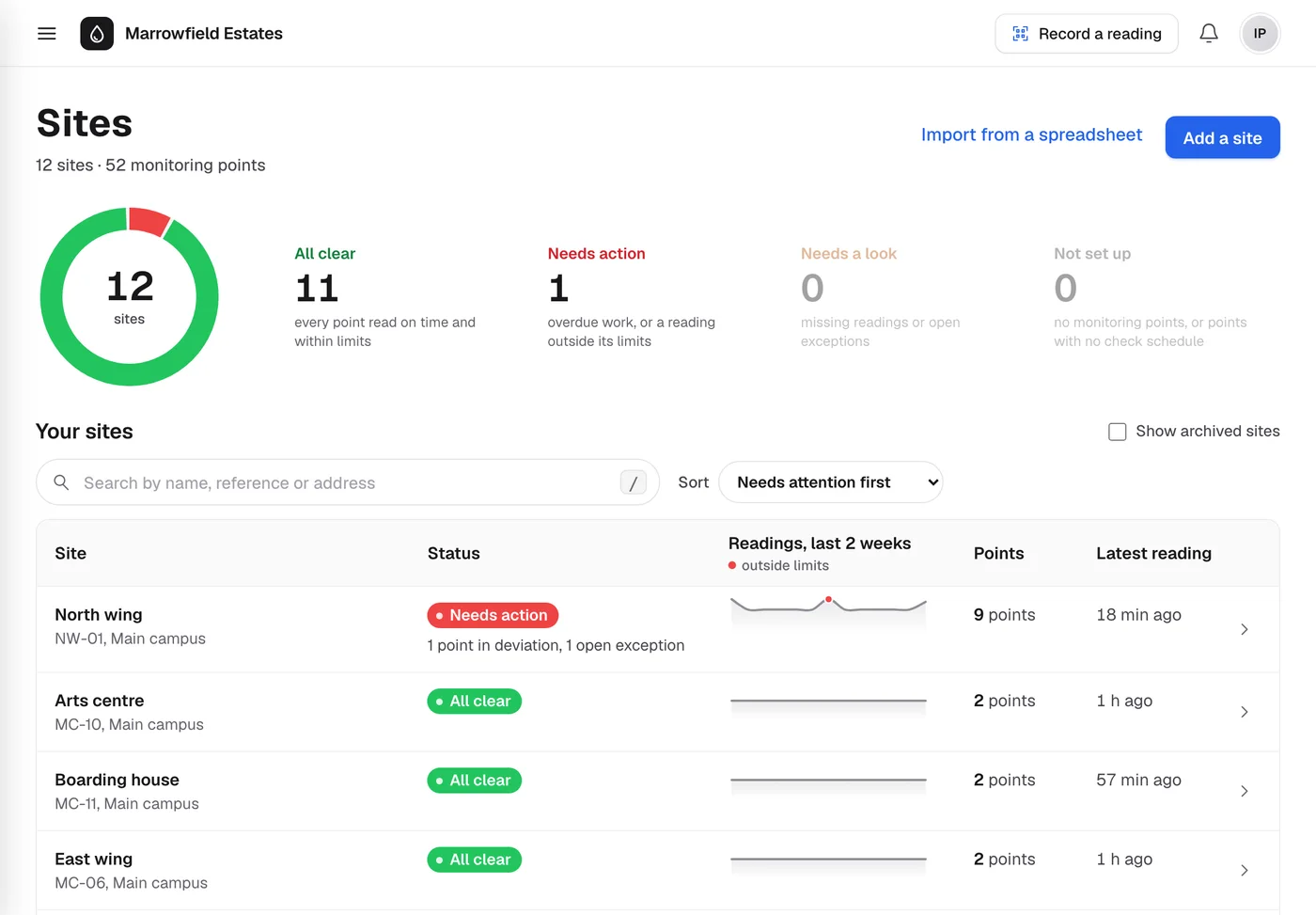
Load a whole estate from the outlet list in your water risk assessment, and bring past readings in with it. Every row is checked before anything is saved.
What you get
Your register from one file
Sites, water systems, assets and monitoring points from a CSV or Excel outlet list. A mixer tap becomes a hot and a cold outlet; a calorifier gets flow and return points.
Routine checks set up as it loads
Each new outlet is put on its HSG274 routine check, and little-used outlets on weekly flushing, so a loaded site is monitored from the start.
Past readings too
Import historic temperatures matched by tag or monitoring point. They are judged by the same rules as new readings.
Columns matched for you
Ecohydro guesses which column is which from the headings. You confirm or change the match before anything is checked.
Nothing half loaded
Every row is accepted, warned or rejected with a reason. Nothing is added while any row is rejected, and the same file run twice adds nothing.
The original kept
Each file is archived with its SHA-256 fingerprint, so you can show exactly what was imported.
Four steps
- 1
Upload
A .csv or .xlsx file, as your risk assessor or contractor supplied it.
- 2
Map columns
Site, outlet, hot or cold, sentinel, little used, tag.
- 3
Review
See what each site gains and why any row was flagged.
- 4
Add
Everything goes in at once, with an audit entry for each record created.
See it with your own buildings.
Send us an outlet list and we’ll show you your sites in Ecohydro, with their checks set up.