SolutionsTemperature checks
Temperature checks on the phone they already carry.
Engineers scan the tag on a tap, tank or calorifier, take the reading with their own thermometer and save it. Each reading lands on the right outlet and is checked against your limits as it is saved.
What you get
Scan to the right outlet
A QR tag on each asset takes the engineer straight to it. If a label is damaged, they type its ID instead.
Time to temperature
A built-in timer records how long an outlet took to reach temperature, for HSG274’s one-minute hot and two-minute cold tests.
Photo evidence
Attach a photo of the thermometer display to a reading, kept with it for anyone reviewing it later.
Checked as it is saved
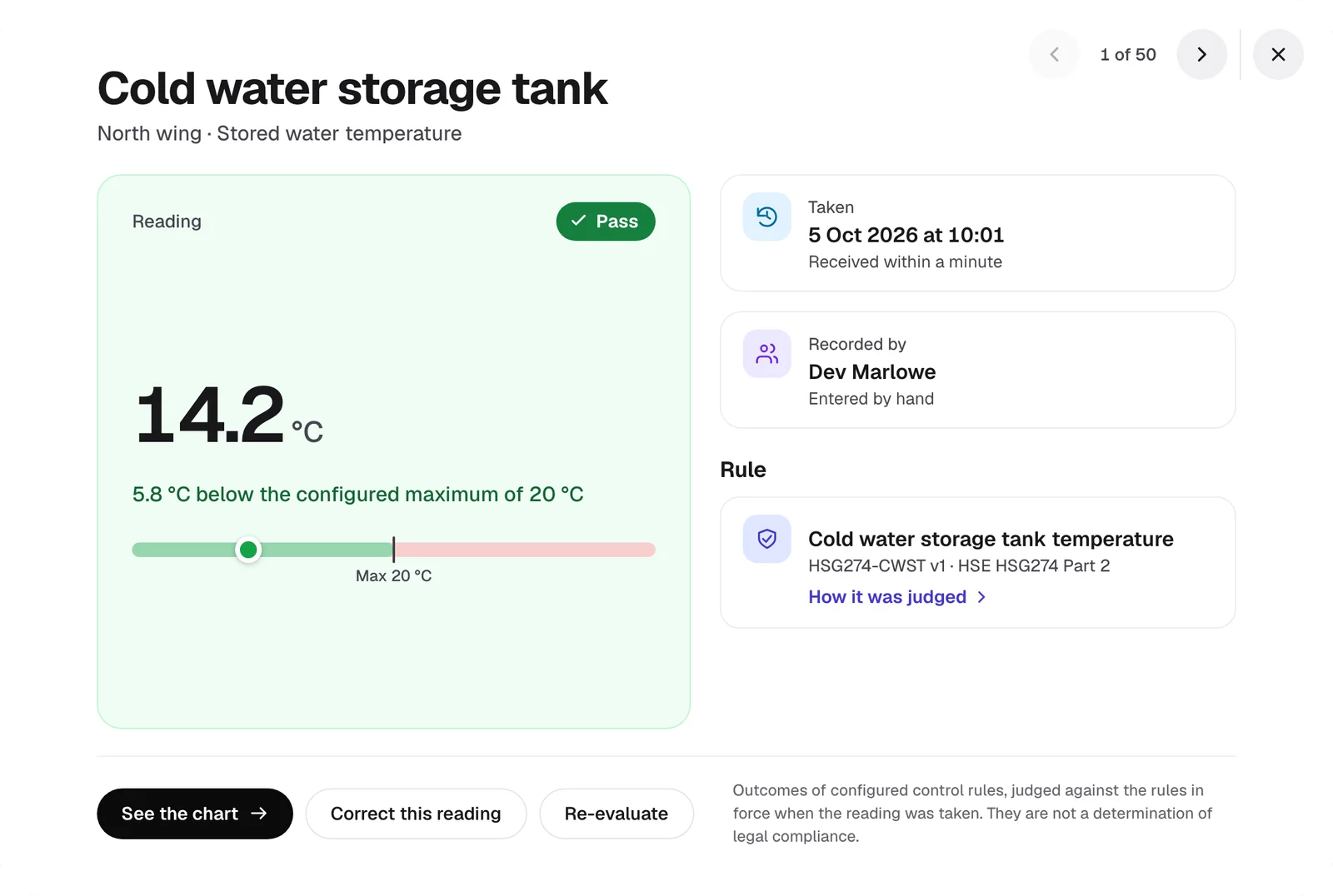
The engineer sees at once whether the reading is within your limits. A reading outside them opens an exception.
No app to install
It runs in the browser on iPhone and Android, and can be added to the home screen like an app.
Works without signal
Readings taken in a basement plant room wait on the phone and send when it is back online.
At the outlet
- 1
Scan the tag
The phone opens that asset and the points to read on it.
- 2
Run the water and read
Start the timer, wait for the temperature to settle, and enter what the thermometer shows.
- 3
Save
The result shows straight away, and the reading completes the scheduled check it was due for.
See it with your own buildings.
Send us an outlet list and we’ll show you your sites in Ecohydro, with their checks set up.